 i7 Quad-Core and 2.8 Ghz
 16GB (rec. 32GB)
 650 MB (for installation) plus project space
 ADSL
ADSLWindows 10 with the latest updates or Windows 11 Graphics Card: DirectX 11 compatible graphics card, best NVidia GeForce
 i7 Quad-Core and 2.8 Ghz 16GB (rec. 32GB) 650 MB (for installation) plus project space ADSL
Go to https://hornet.zangesa.com/Downloads/zangesa/ZAnGeSa Hornet Studio-2.2.24040.1.exe to download Hornet.
This link should always lead to the latest version of the Software.
If we forgot to update that link and you get an update notification immediately after starting the software, please inform us – we will update the link as soon as possible to provide the best user experience for you and our customers.
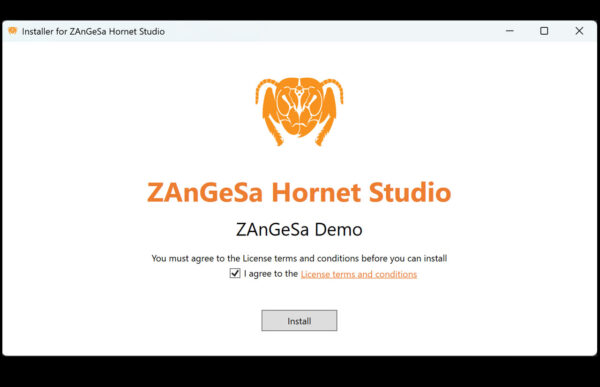
Double click the downloaded file to start the installation.
If you are installing a ZAnGeSa product the first time, you may be asked to allow sideloading of apps. This step needs administration rights and is needed, because our apps are not downloaded from the Marketplace, but from our homepage.
If your system doesn’t have the latest version of the .NET Framework installed, you also may be asked, if you want to install those components as prerequisites of the software.
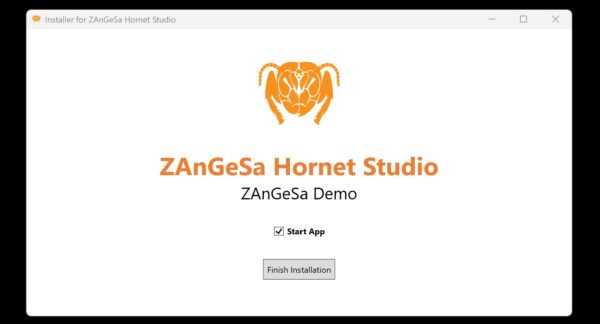
You might choose to directly start the application. Click Finish Installation.
If you want to start it at a later stage, type “hornet” in the Windows search bar or by pressing the start button and choose ZAnGeSa Hornet Studio from the suggested entries.


